
Connect one controller
Use the one you actually want to play with. That is the controller everything else is built around.
Everything else depends on Windows seeing your controller properly. Sort that out before MultiPilot creates anything.
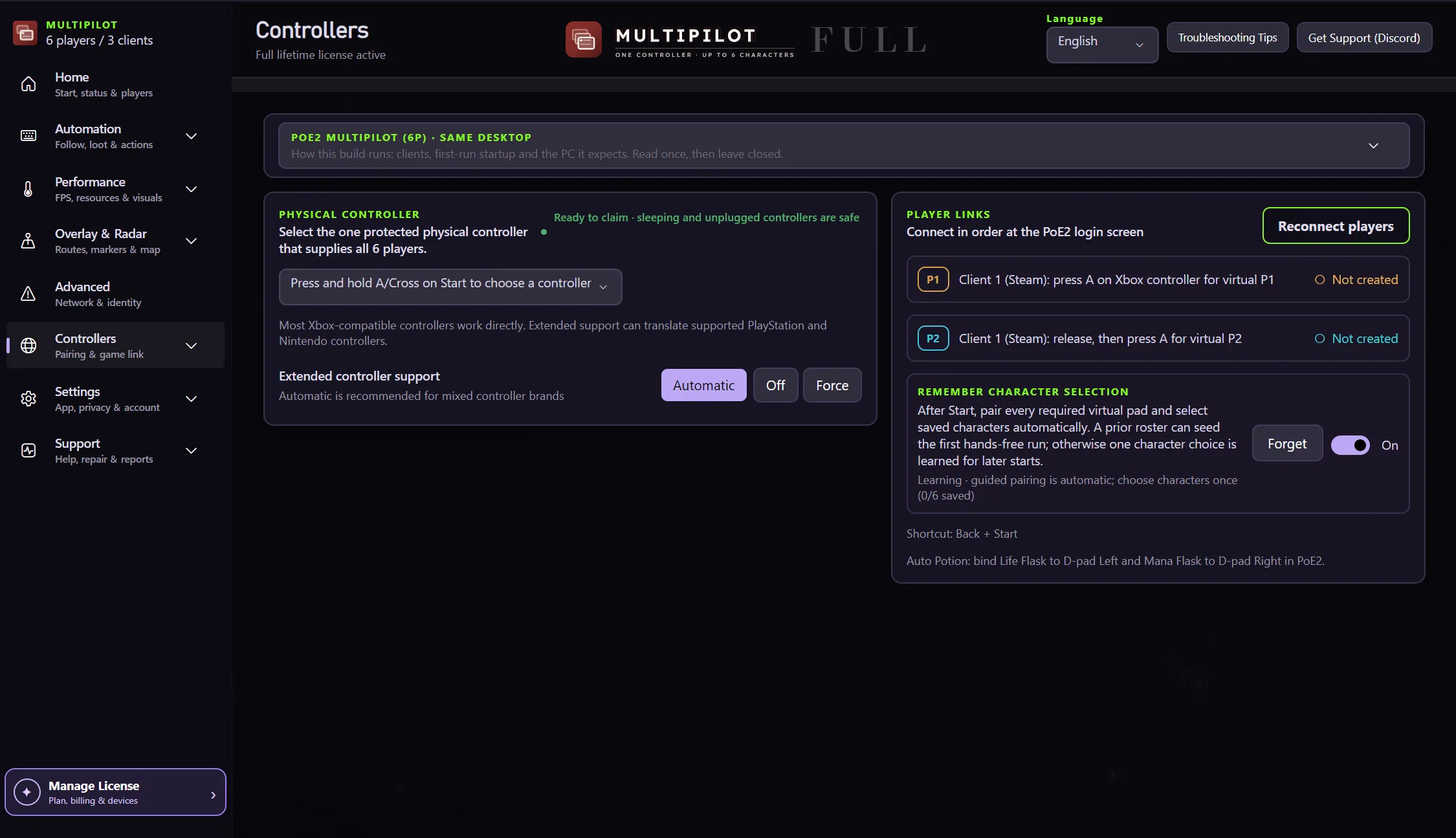
The current Controllers screen keeps pairing, source isolation and game-link checks in one place.
Use the one you actually want to play with. That is the controller everything else is built around.
DualSense and DualShock 4 are detected over USB and Bluetooth. If you already use DS4Windows, MultiPilot works around it and tells you what it found. It uses a small driver called HidHide so the game only ever sees one copy of your pad.
Two remappers fighting over one controller causes problems that are hard to diagnose. Close them for the first setup.
In Steam, open Path of Exile 2 Properties, then Controller, and choose Use default settings. Do not choose Disable Steam Input. This one catches a lot of people.
One character is free. Two needs Lite. Three to six needs Full.
MultiPilot creates only the virtual controllers your party actually needs.
Move each character in a quiet area before you take the party into a map.