
Enable the radar canvas
Open Overlay and Radar in MultiPilot.
Get the radar looking right, pick a show and hide key, then choose what it should point you at.
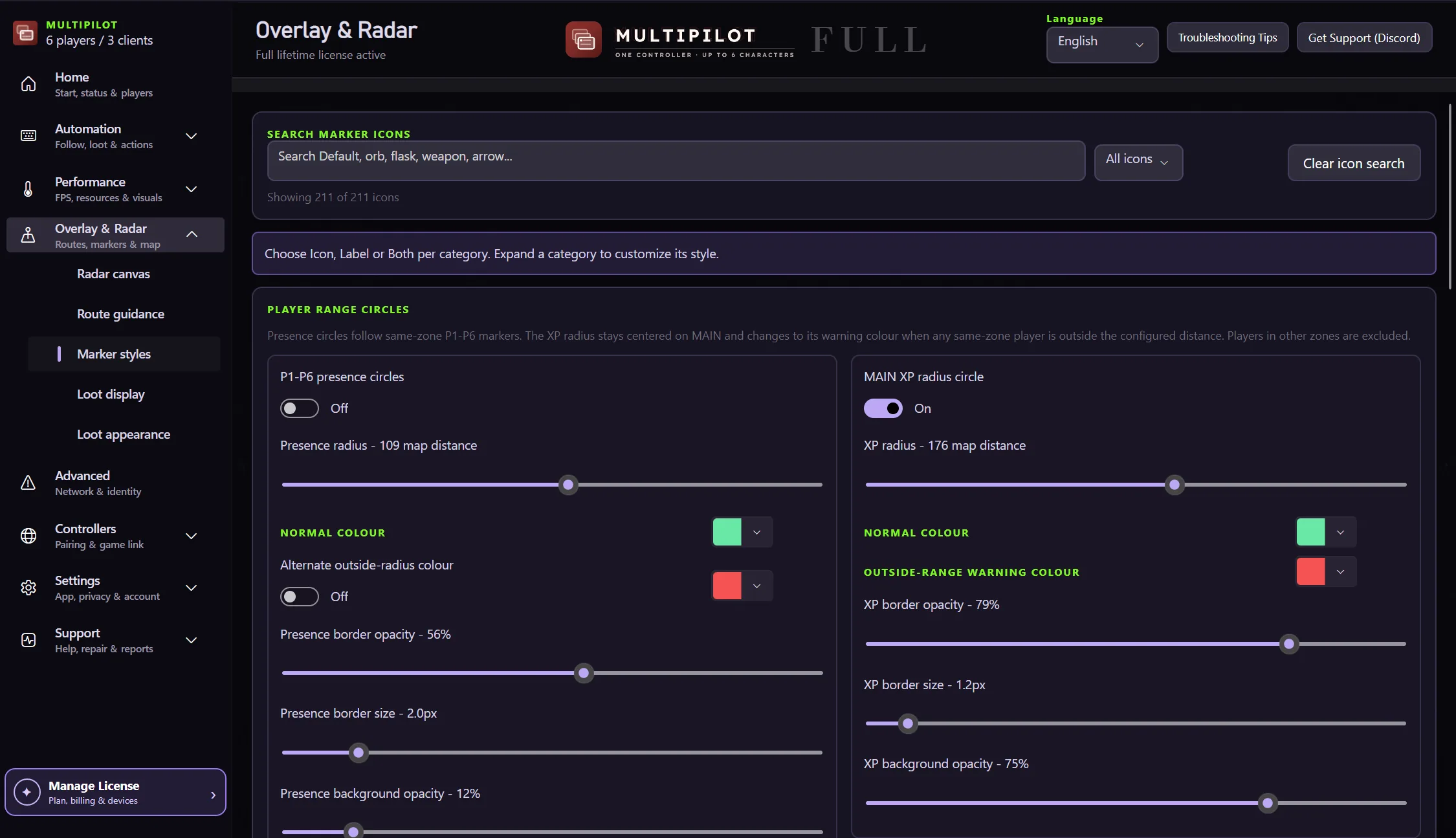
The radar is split across a few screens so map presentation and route guidance stay easy to read.
Open Overlay and Radar in MultiPilot.
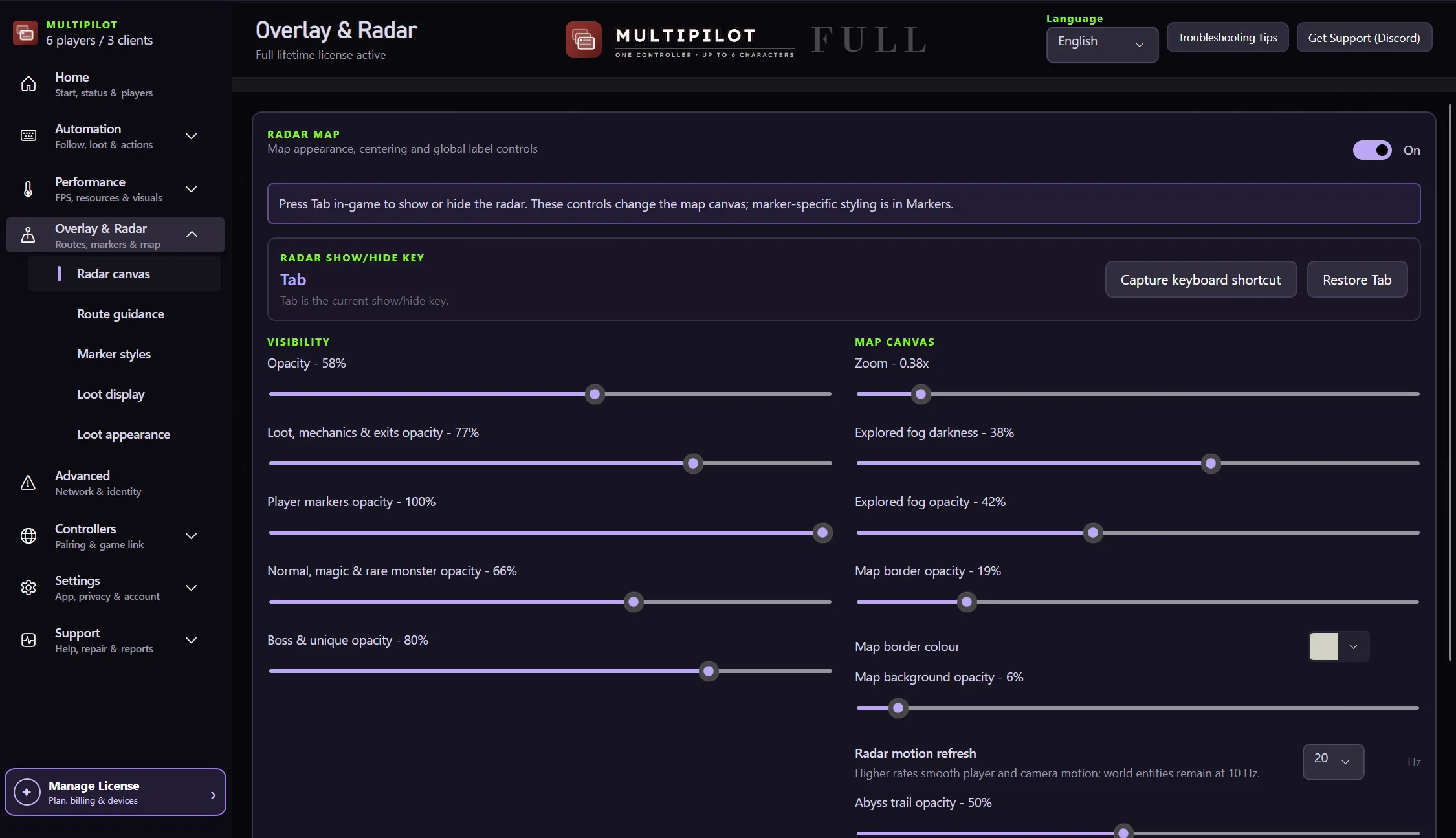
Use Tab by default or capture another shortcut.
Adjust zoom, overall opacity, fog darkness and map background opacity.
Tune the visibility of loot, mechanics, exits, bosses and other supported targets.
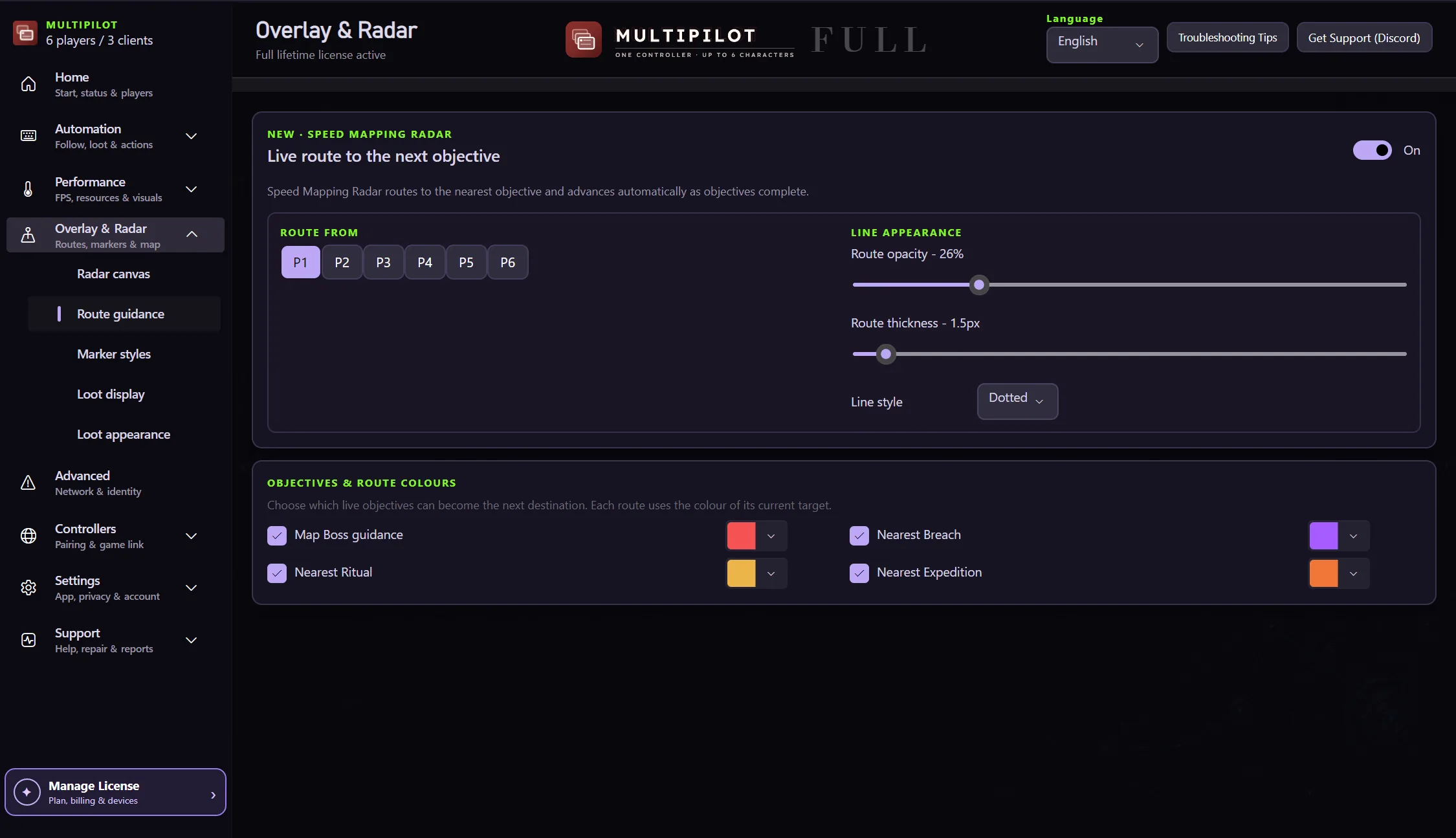
Choose an objective and check that the line is useful in the discovered terrain.