
Read the buttons on screen
MultiPilot shows real button names, like L Trigger plus Left Stick Click. If you rebound them, it shows your bindings instead.
Smart Focus gives the controller to one character at a time. The on-screen label always tells you which one.
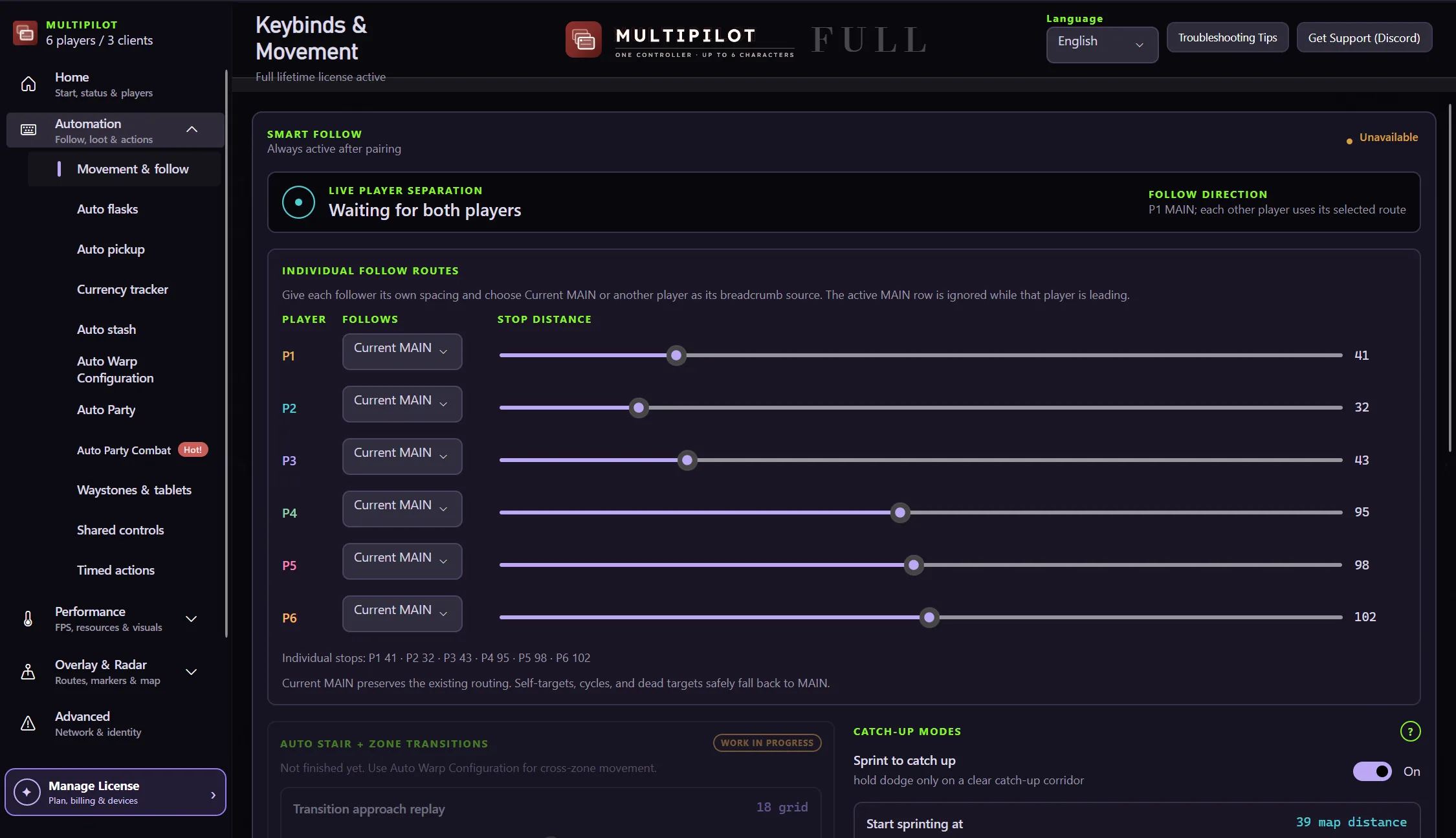
Movement and follow is where you set stop distance, sprint catch-up and how followers recover.
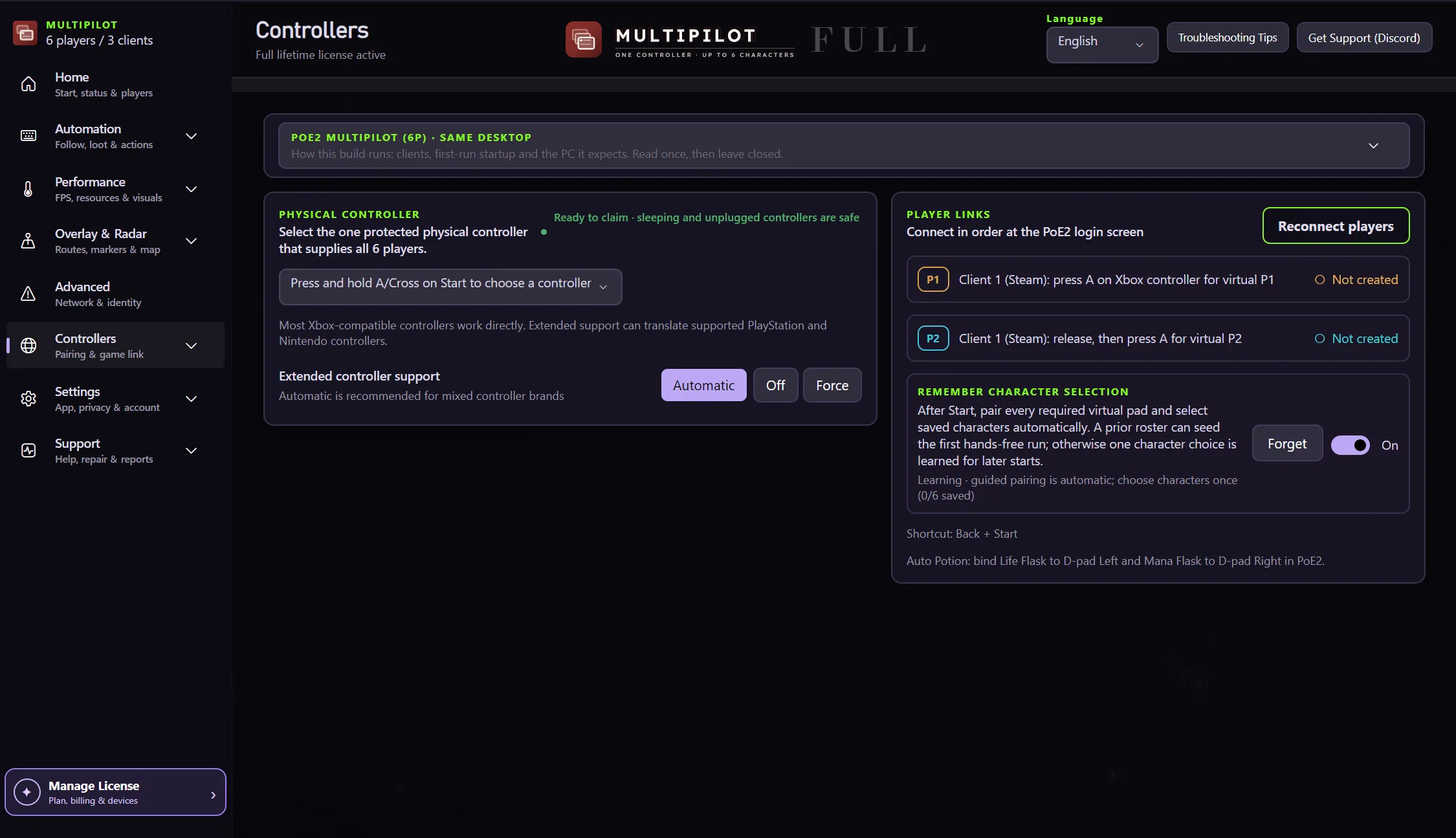
This is where you confirm the pad, create the player links and watch each character pair.
MultiPilot shows real button names, like L Trigger plus Left Stick Click. If you rebound them, it shows your bindings instead.
After MultiPilot completes pairing and in-game checks, P1 is selected. Move the left stick and confirm that only P1 walks.
Use the displayed Smart Focus binding for every active character through P6. Move each character once and confirm that the others remain still.
Smart Focus is the safest way to manage a character's inventory, choose equipment, interact with mechanics or complete any task that needs deliberate single-character control.
Resume shared control after the focused task. Last-focused player leads is enabled by default, so the other character follows the one you just controlled when returning to Both.
That means pairing did not take. Run pairing again rather than playing with a mirrored party.