
Client 1 · P1
Your main or carry character.
Use PoE2 MultiPilot’s P1, P3 and P4 configuration to run a three-character party across two visible clients.
The P3/P4 terminology matches how MultiPilot assigns the second client; P2 is intentionally excluded from Client 1.
Your main or carry character.
Two followers, supports or collectors.
Tune following behaviour for each character.
See the party’s relevant navigation information together.
Watch MultiPilot coordinate active characters across two visible clients with one controller.
Free 1P forever · 3-hour 2P Party Trial available
Try PoE2 MultiPilot freeMultiPilot assigns P1/P2 to Client 1 and P3/P4 to Client 2. Three-player mode keeps P1 on Client 1 and uses P3/P4 on Client 2.
No. P2 is intentionally excluded in this three-character configuration.
Yes. MultiPilot supports individual follow routes and stopping distances.
Keep P1 on native keyboard and mouse while configurable focus keys control MultiPilot followers across up to three PoE 2 clients.
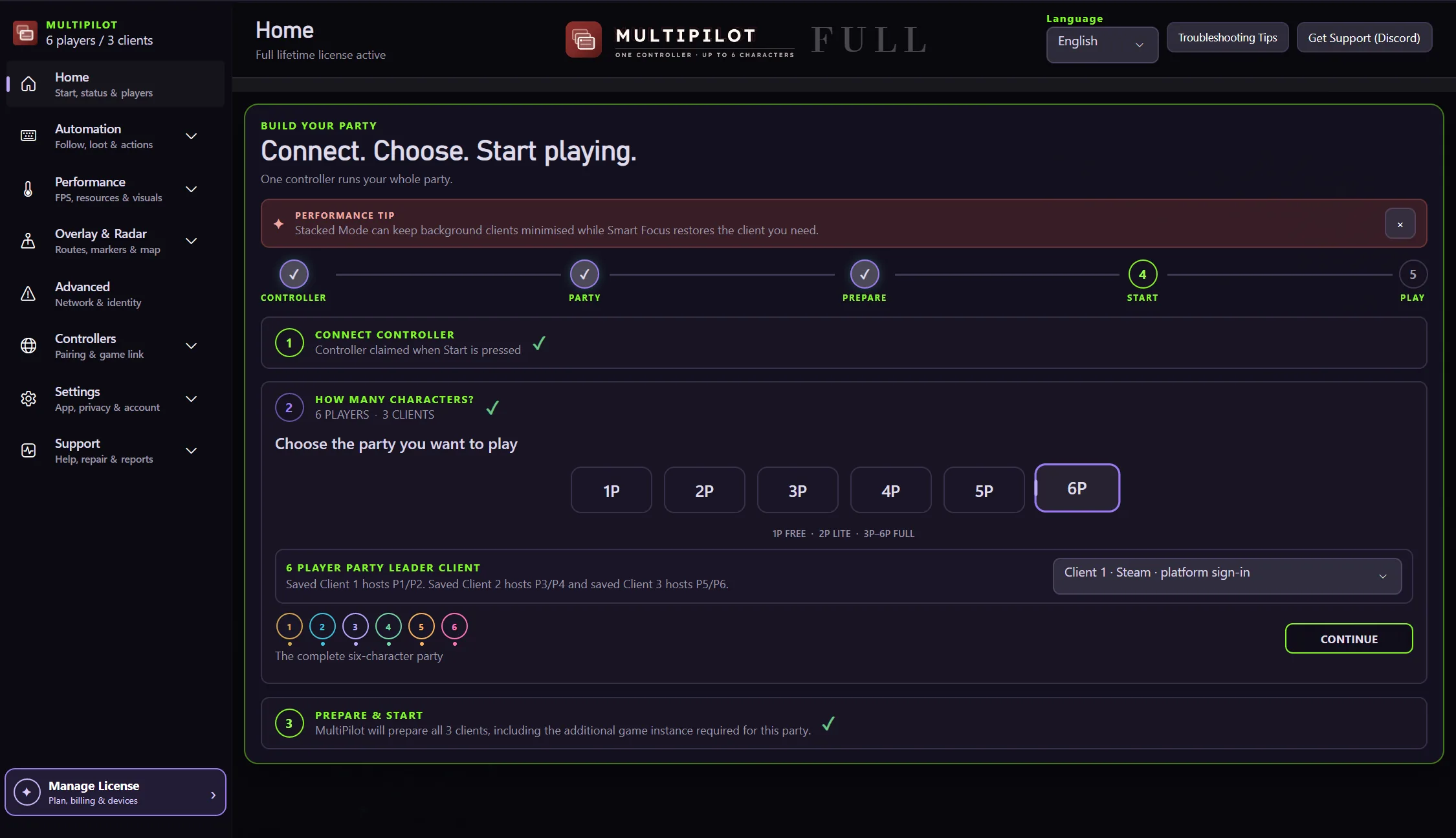
Explore →The complete MultiPilot partyRun six independent Path of Exile 2 characters across three game clients on one Windows PC with PoE2 MultiPilot.
Explore →A three-client five-player layoutRun five independent Path of Exile 2 characters across three game clients on one Windows PC with PoE2 MultiPilot.
Explore →