
Life rules
Choose the health conditions that should use a life flask.
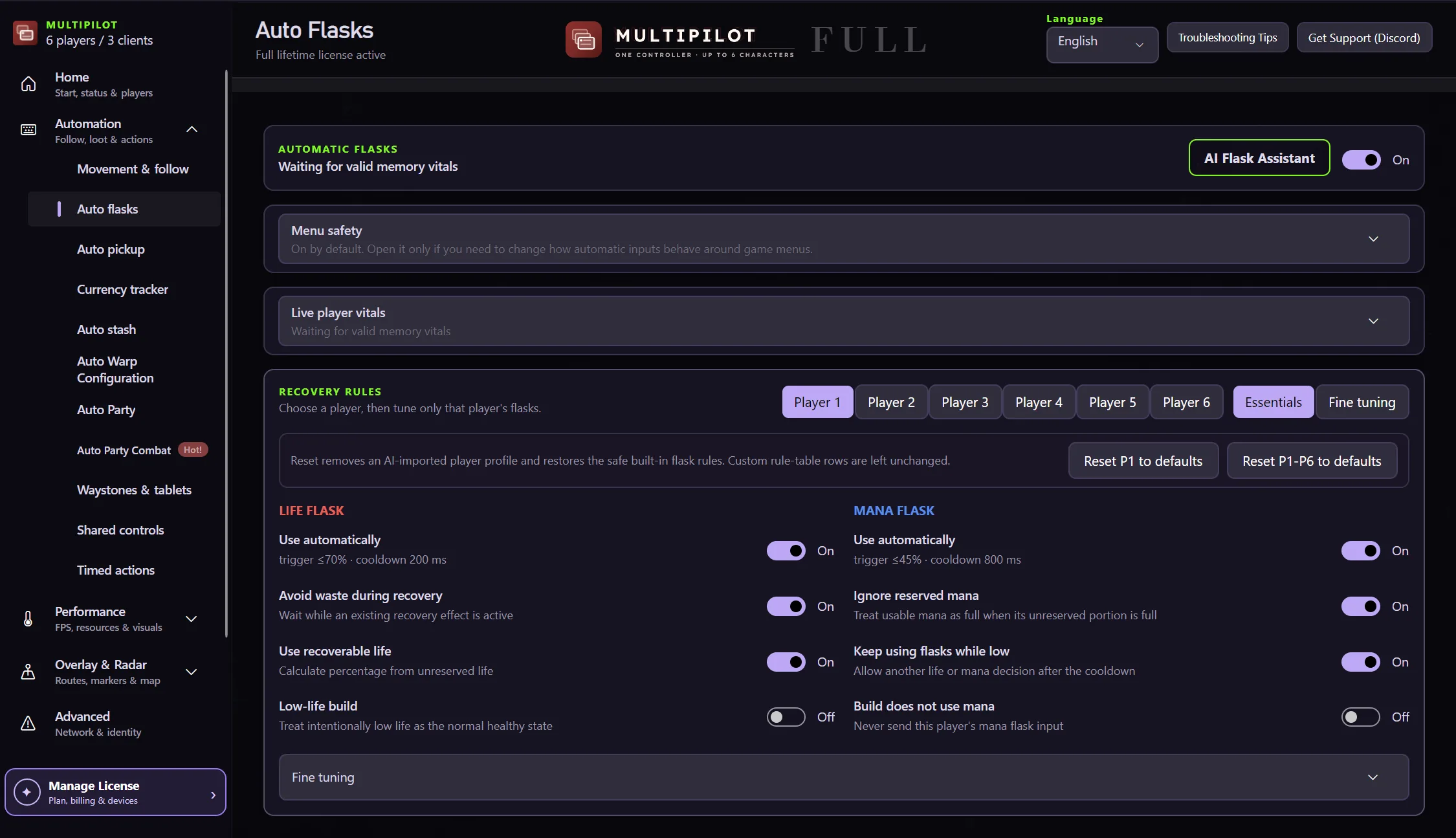
Configure life and mana recovery rules around the character that needs them, with guards that stop flask actions in menus and unsafe states.
Auto Flasks react to character state while menu, transition and data guards prevent unsafe recovery actions.
Choose the health conditions that should use a life flask.
Set recovery behaviour for mana pressure.
Tune recovery for different party characters and builds.
Pause when the required state cannot be verified.
Per-player thresholds and safety settings keep recovery behaviour separate across the party.
No card · no signup
Try Auto Flasks freeYes. Lite and Full keep recovery rules separate for each active player, from P1 through P6.
Menu and state guards prevent unsafe recovery actions.
Yes. Recovery automation can be disabled without removing the rest of the controller setup.
Keep P1 on native keyboard and mouse while configurable focus keys control MultiPilot followers across up to three PoE 2 clients.
Explore →The complete MultiPilot partyRun six independent Path of Exile 2 characters across three game clients on one Windows PC with PoE2 MultiPilot.
Explore →A three-client five-player layoutRun five independent Path of Exile 2 characters across three game clients on one Windows PC with PoE2 MultiPilot.
Explore →