
Selective mirroring
Share chosen skills and controller actions instead of everything.
Selective combat routing, Auto Cast and timed actions let supported party characters receive deliberate inputs without mirroring every button blindly.
Choose which supported controls are shared, which player receives them and when movement recovery should take priority.
Share chosen skills and controller actions instead of everything.
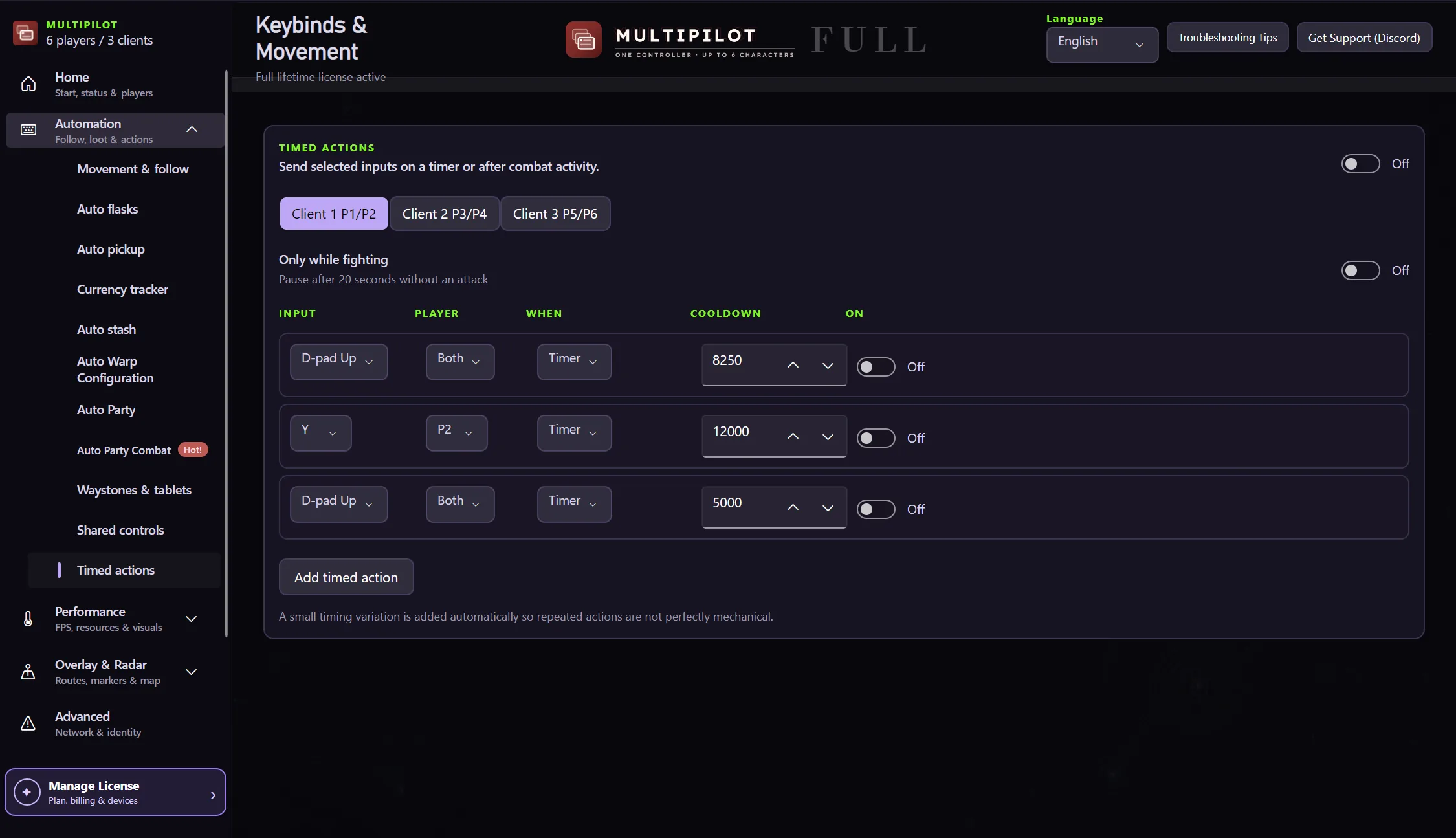
Configure supported repeat actions for the selected player.
Give a routed action an explicit interval and target.
Pause selected casts while a follower is sprinting to catch up.
Mirrored inputs, Auto Cast and timed actions are configured together so movement and combat priorities stay understandable.
Try both 2P layouts free for three hours · no card
Try shared controls freeNo. Selective routing lets you choose the supported inputs that are shared.
Yes. Catch-up movement can pause selected shared casts and resume after recovery.
Supported shared actions include a selected player or routing target in the control setup.
Keep P1 on native keyboard and mouse while configurable focus keys control MultiPilot followers across up to three PoE 2 clients.
Explore →The complete MultiPilot partyRun six independent Path of Exile 2 characters across three game clients on one Windows PC with PoE2 MultiPilot.
Explore →A three-client five-player layoutRun five independent Path of Exile 2 characters across three game clients on one Windows PC with PoE2 MultiPilot.
Explore →