
Supported scope
Prepare supported mapping items only.
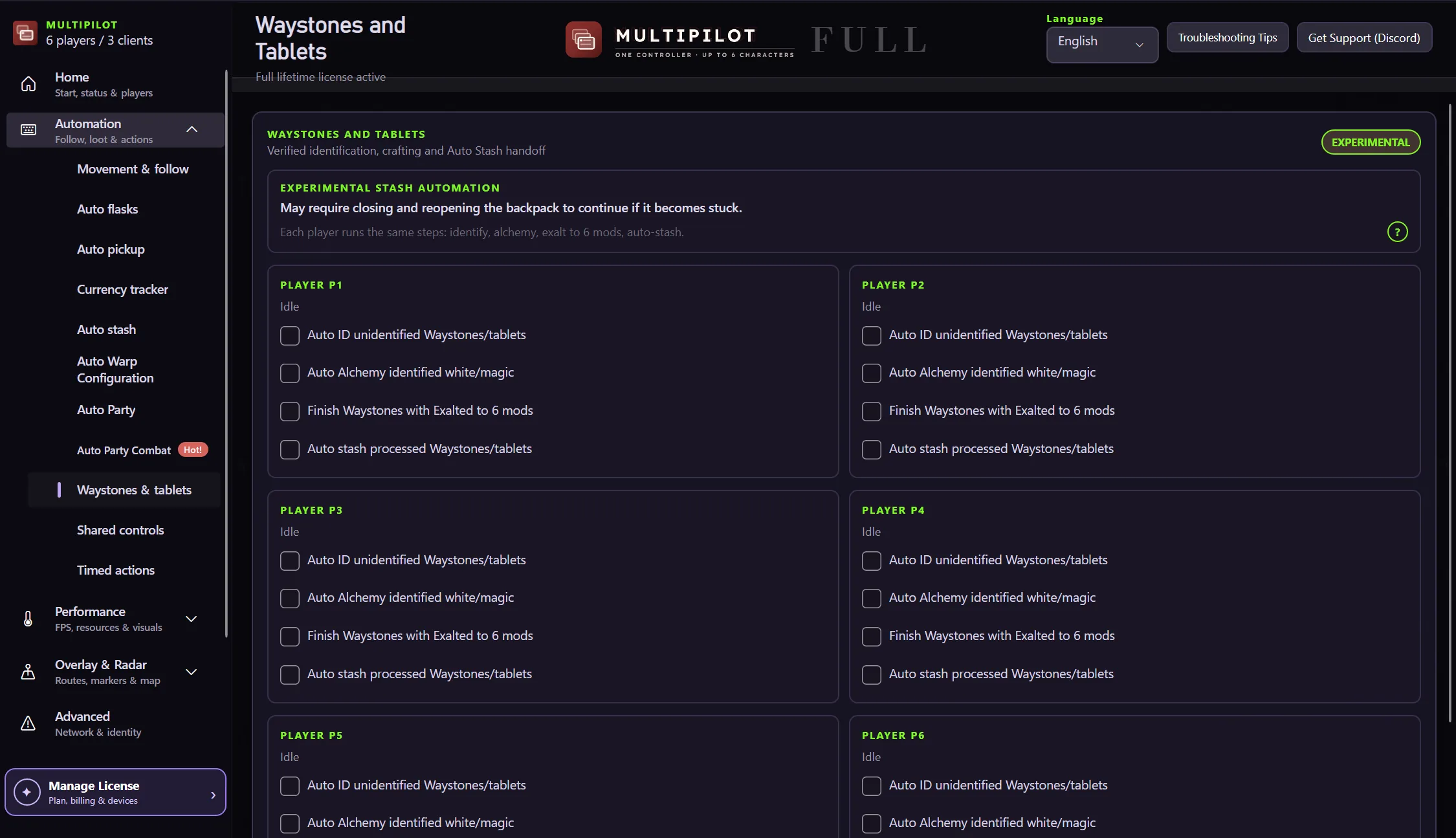
Findigo’s guarded mapping-item workflow is designed to reduce repetitive controller input while keeping the crafting step explicit.
Choose a supported item, set the guard condition and review the resulting action before continuing.
Prepare supported mapping items only.
Use explicit conditions before applying a craft.
Reduce repetitive navigation through the crafting step.
Show the result before continuing the mapping loop.
Prepare supported mapping items with explicit rules and guard conditions before starting the next run.
No card · no signup
Try the workflow freeNo. Auto Craft is limited to supported mapping items and configured guard conditions.
No. It is a controlled workflow with visible conditions and results.
All of them. Waystone and tablet preparation is in the free version, and Lite and Full include everything in Free.
Keep P1 on native keyboard and mouse while configurable focus keys control MultiPilot followers across up to three PoE 2 clients.
Explore →The complete MultiPilot partyRun six independent Path of Exile 2 characters across three game clients on one Windows PC with PoE2 MultiPilot.
Explore →A three-client five-player layoutRun five independent Path of Exile 2 characters across three game clients on one Windows PC with PoE2 MultiPilot.
Explore →