
Set minimums
Keep the mapping supplies you want in your inventory.
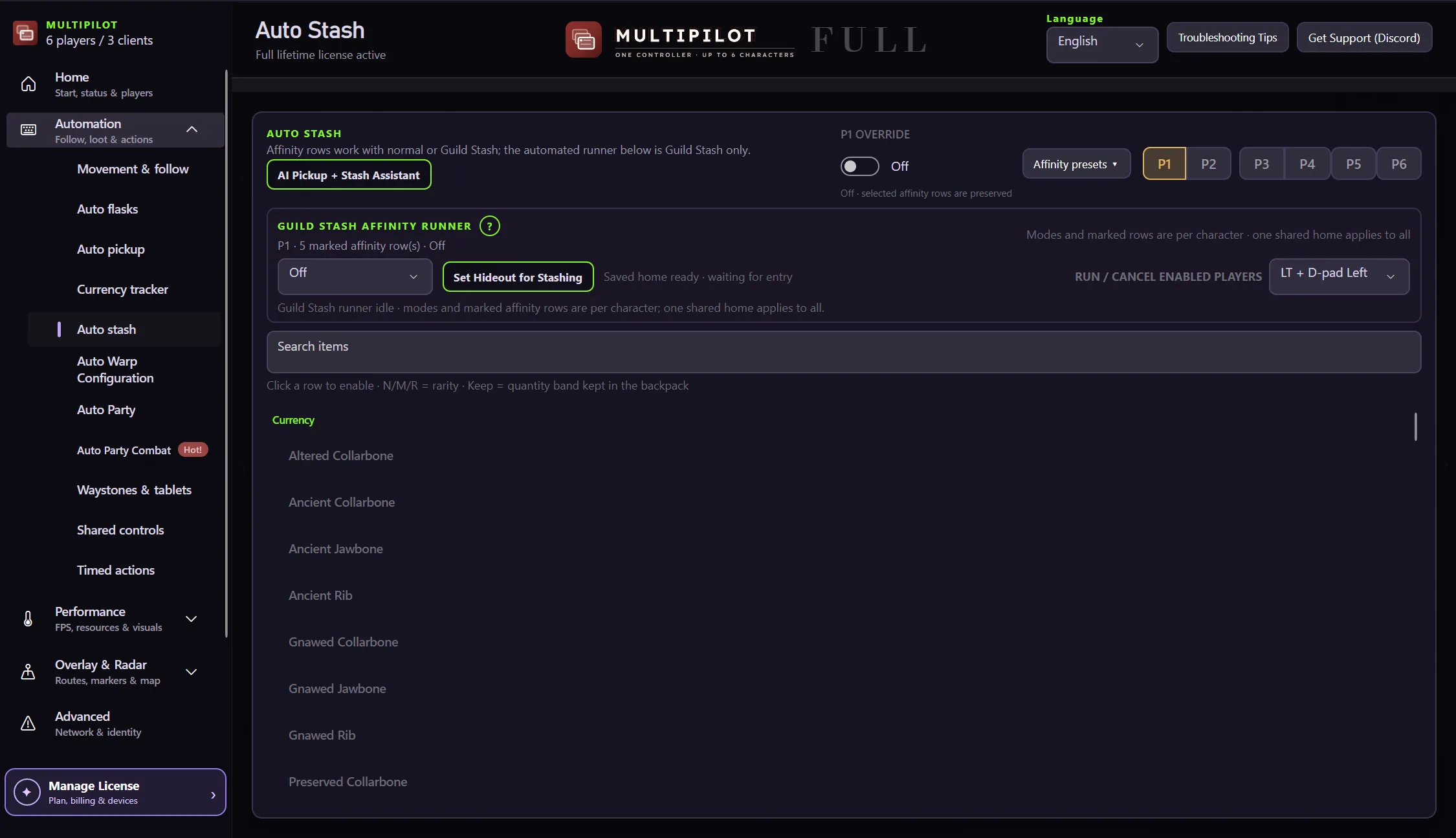
Rapid Auto Stash clears supported excess stacks while inventory limits preserve the mapping supplies you actually want to carry.
Picking items up quickly only helps if the inventory can be prepared for the next map just as clearly.
Keep the mapping supplies you want in your inventory.
Pause collection when a supported item reaches its cap.
Move eligible whole excess stacks into configured tabs.
Resume pickup after the quantity drops below its minimum.
Keep loot rules, inventory limits and stash targets working together from pickup through to the next map.
No card · no signup
Try Auto Stash freeNo. It moves only selected supported items according to your configured rules and limits.
No. AutoLoot handles drops in the world; Auto Stash handles the inventory cleanup stage after collection.
Yes. The free version covers one character with no account, key or time limit.
Keep P1 on native keyboard and mouse while configurable focus keys control MultiPilot followers across up to three PoE 2 clients.
Explore →The complete MultiPilot partyRun six independent Path of Exile 2 characters across three game clients on one Windows PC with PoE2 MultiPilot.
Explore →A three-client five-player layoutRun five independent Path of Exile 2 characters across three game clients on one Windows PC with PoE2 MultiPilot.
Explore →