
Pick the target
Warp to whoever is leading, to a specific player, or to a specific client.
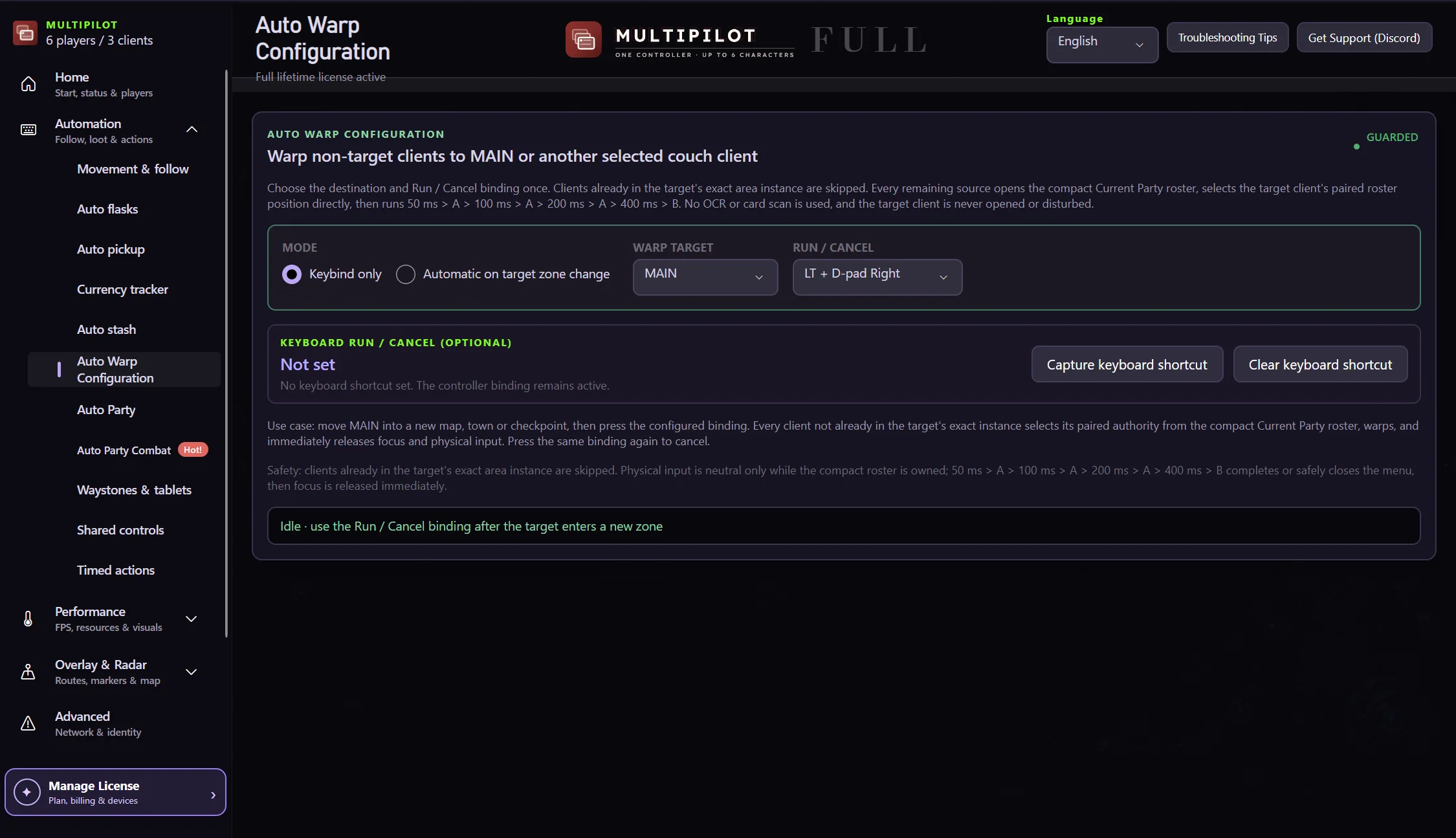
Auto Warp opens the party menu for the characters that need to move, picks the right target and confirms the warp. You do not touch a single menu.
Portals, checkpoints and hideout trips are where multi-character parties fall apart. Auto Warp is the fix.
Warp to whoever is leading, to a specific player, or to a specific client.
Use the controller binding, or capture a keyboard key or a Ctrl, Alt or Shift combination.
Turn on automatic mode and the party follows whenever the leader changes zone.
Press the same binding again and it stops cleanly at whatever stage it reached.
Characters already in the destination are skipped. The rest open the party list, select the target and confirm, then hand control straight back to you.
Free download. Three-hour two-player trial included.
Try Auto Warp freeYes. Two-player and three-player couch layouts are supported, and characters that already share the destination are skipped.
It fails safely. MultiPilot closes any menu it opened and gives control back rather than leaving a character stuck.
No. The controller binding is enough. The keyboard shortcut is there if you prefer it.
No. Following keeps characters with you inside a zone. Auto Warp moves them between zones.
Keep P1 on native keyboard and mouse while configurable focus keys control MultiPilot followers across up to three PoE 2 clients.
Explore →The complete MultiPilot partyRun six independent Path of Exile 2 characters across three game clients on one Windows PC with PoE2 MultiPilot.
Explore →A three-client five-player layoutRun five independent Path of Exile 2 characters across three game clients on one Windows PC with PoE2 MultiPilot.
Explore →