
Choose party size
Select 2P, 3P, 4P, 5P or 6P.
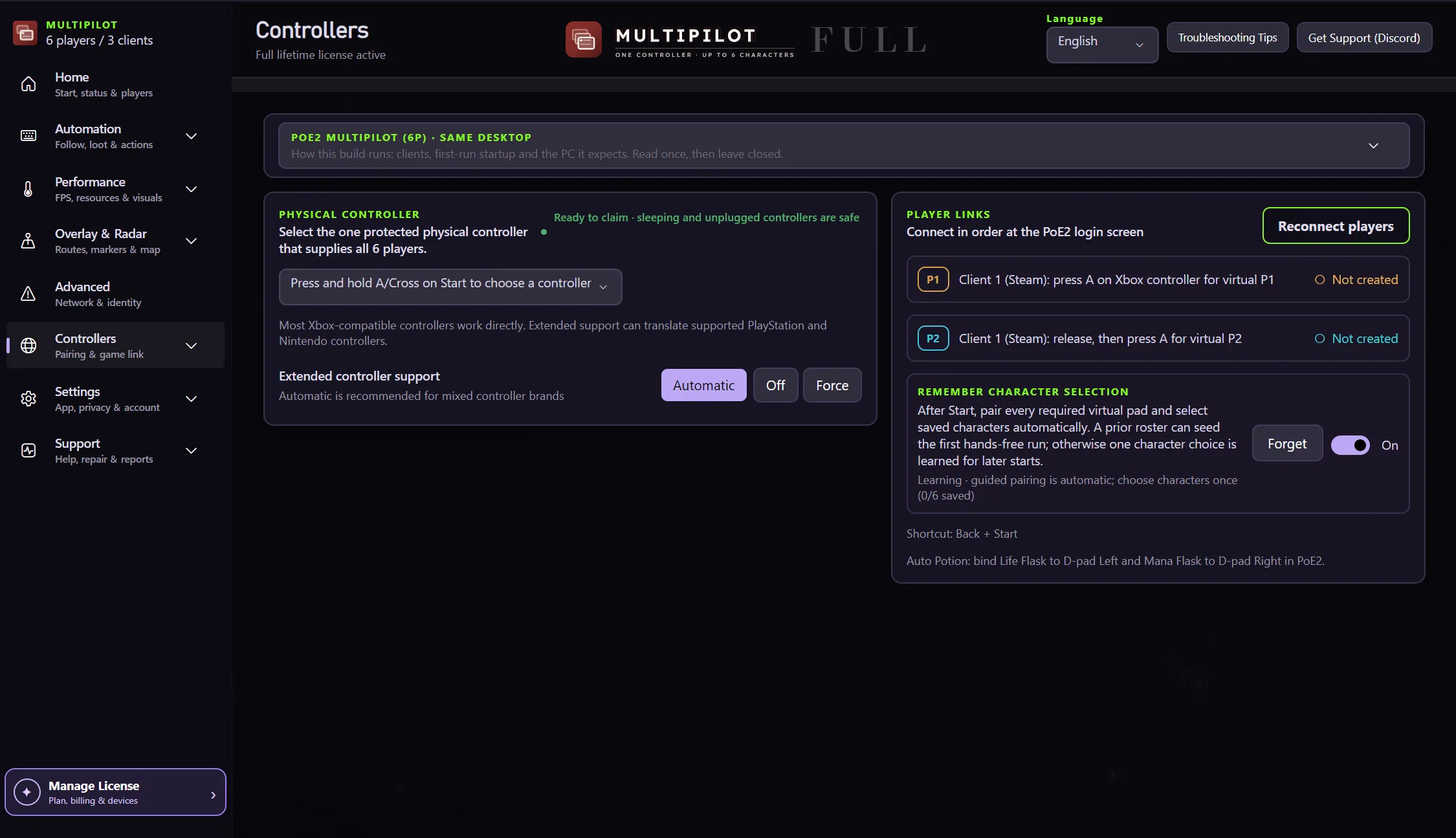
Configure the clients required by the selected party size, assign players by client and let MultiPilot create only the controller routes that mode needs.
Configure the required clients in a clear order, then confirm each player slot before enabling party tools.
Select 2P, 3P, 4P, 5P or 6P.
Use the exact client setup shown for that party size.
Keep each client foregrounded during its character-selection step.
Avoid inactive controller slots joining the wrong client.
MultiPilot keeps up to three clients visible so player assignments and focus changes remain easy to follow.
Free 1P forever · 3-hour 2P Party Trial available
Try PoE2 MultiPilot freeAt full 6P, Client 1 owns P1/P2, Client 2 owns P3/P4 and Client 3 owns P5/P6.
No. MultiPilot prepares only the client count required by the selected 2P–6P party size.
No. The configured clients run on one Windows PC.
Keep P1 on native keyboard and mouse while configurable focus keys control MultiPilot followers across up to three PoE 2 clients.
Explore →The complete MultiPilot partyRun six independent Path of Exile 2 characters across three game clients on one Windows PC with PoE2 MultiPilot.
Explore →A three-client five-player layoutRun five independent Path of Exile 2 characters across three game clients on one Windows PC with PoE2 MultiPilot.
Explore →