
Find Ritual
Use the supported marker and reminder workflow.
Choose the league content that matters for the map and make it the active radar target.
Select the mechanic you want to find, keep its marker visible and follow the route through the discovered map.
Use the supported marker and reminder workflow.
Route toward the current Breach target.
Keep Expedition visible in the mapping plan.
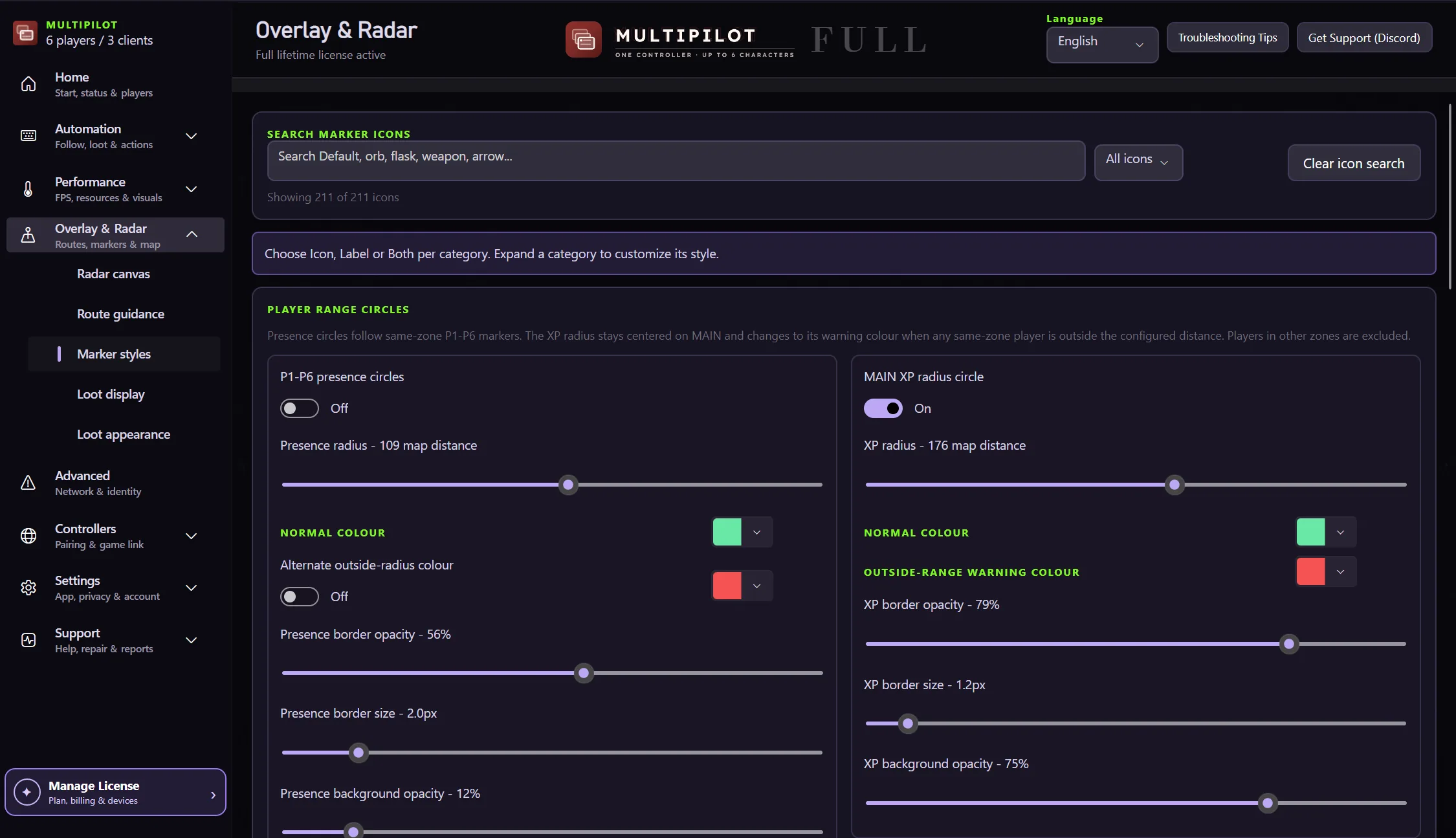
Tune supported marker visibility and appearance.
See league markers and terrain-aware routes together on one configurable radar canvas.
No card · no signup
Try league routing freeFindigo supports radar targets for Ritual, Breach and Expedition.
Yes. Findigo includes marker styling and visibility controls.
Open the radar setup guide for canvas, marker and route controls.
Keep P1 on native keyboard and mouse while configurable focus keys control MultiPilot followers across up to three PoE 2 clients.
Explore →The complete MultiPilot partyRun six independent Path of Exile 2 characters across three game clients on one Windows PC with PoE2 MultiPilot.
Explore →A three-client five-player layoutRun five independent Path of Exile 2 characters across three game clients on one Windows PC with PoE2 MultiPilot.
Explore →