
Select boss
Make the map boss the current route target.
Choose the map boss as the objective and let the radar turn discovery into a route instead of searching every remaining branch.
Select the boss, follow the terrain-aware guidance and finish the map without checking every remaining branch.
Make the map boss the current route target.
Respond to known paths and walls.
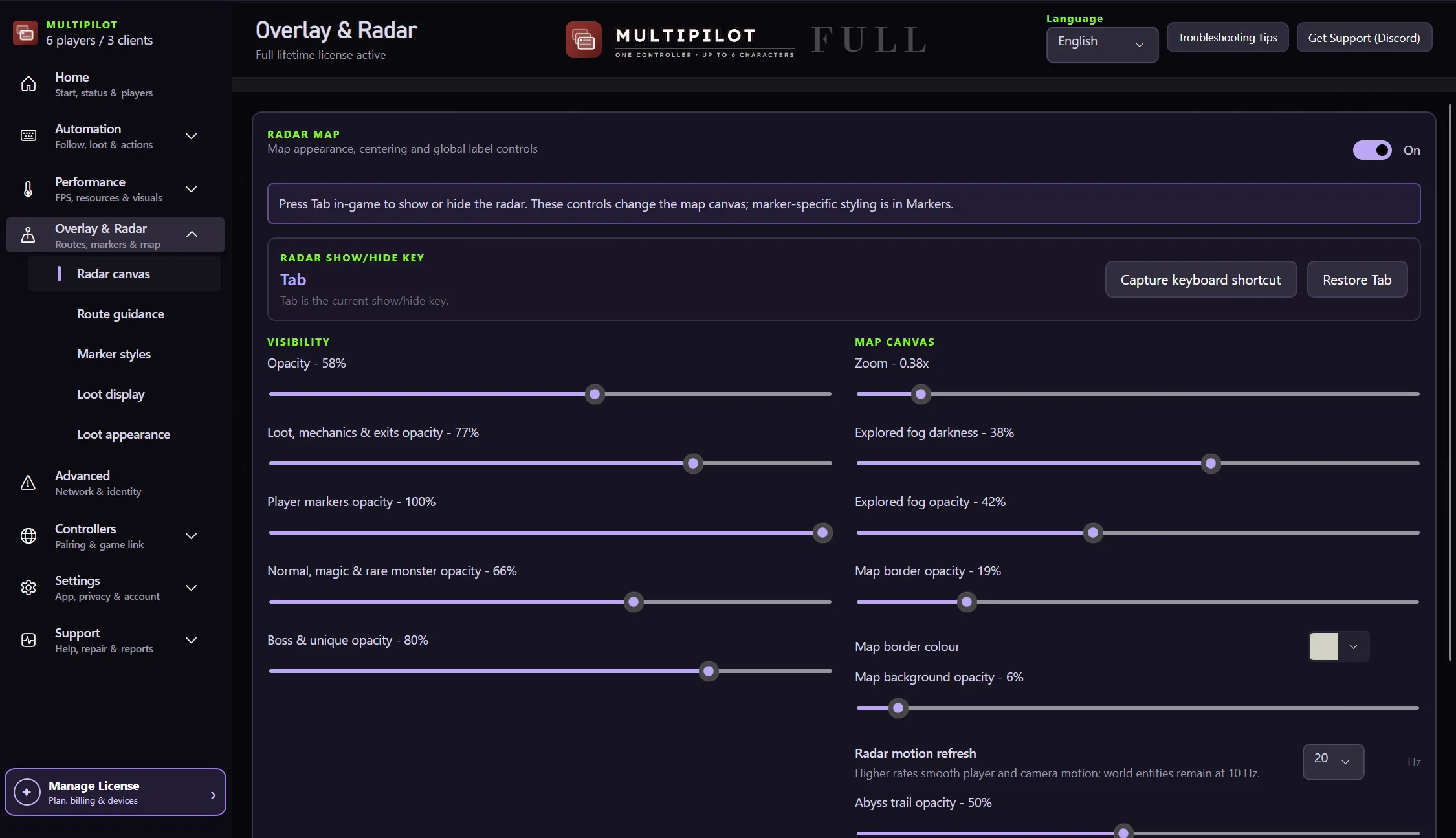
Show or hide the radar with the configured key.
Adjust zoom and opacity for the current display.
Choose the map boss as the target and follow a route built from discovered terrain and walkable paths.
No card · no signup
Try boss routing freeNo. Findigo uses discovered terrain and walkable structure to build the route.
Yes. Press Tab by default, or capture a different shortcut in Findigo.
Yes. The Speed Mapping Radar also supports objectives such as Ritual, Breach and Expedition.
Keep P1 on native keyboard and mouse while configurable focus keys control MultiPilot followers across up to three PoE 2 clients.
Explore →The complete MultiPilot partyRun six independent Path of Exile 2 characters across three game clients on one Windows PC with PoE2 MultiPilot.
Explore →A three-client five-player layoutRun five independent Path of Exile 2 characters across three game clients on one Windows PC with PoE2 MultiPilot.
Explore →