
Lite 2P couch
P1 and P2 inside one local client.
Choose one-client couch co-op for two characters or a MultiPilot layout for 2P through 6P across up to three clients.
Compare the Lite and Full client layouts side by side.
P1 and P2 inside one local client.
P1 and P2 in separate clients.
Use two clients with explicit player ownership.
Add Client 3 for P5 and P6.
MultiPilot keeps player slots grouped by client so the complete one-PC party remains understandable as it grows.
No card · no signup
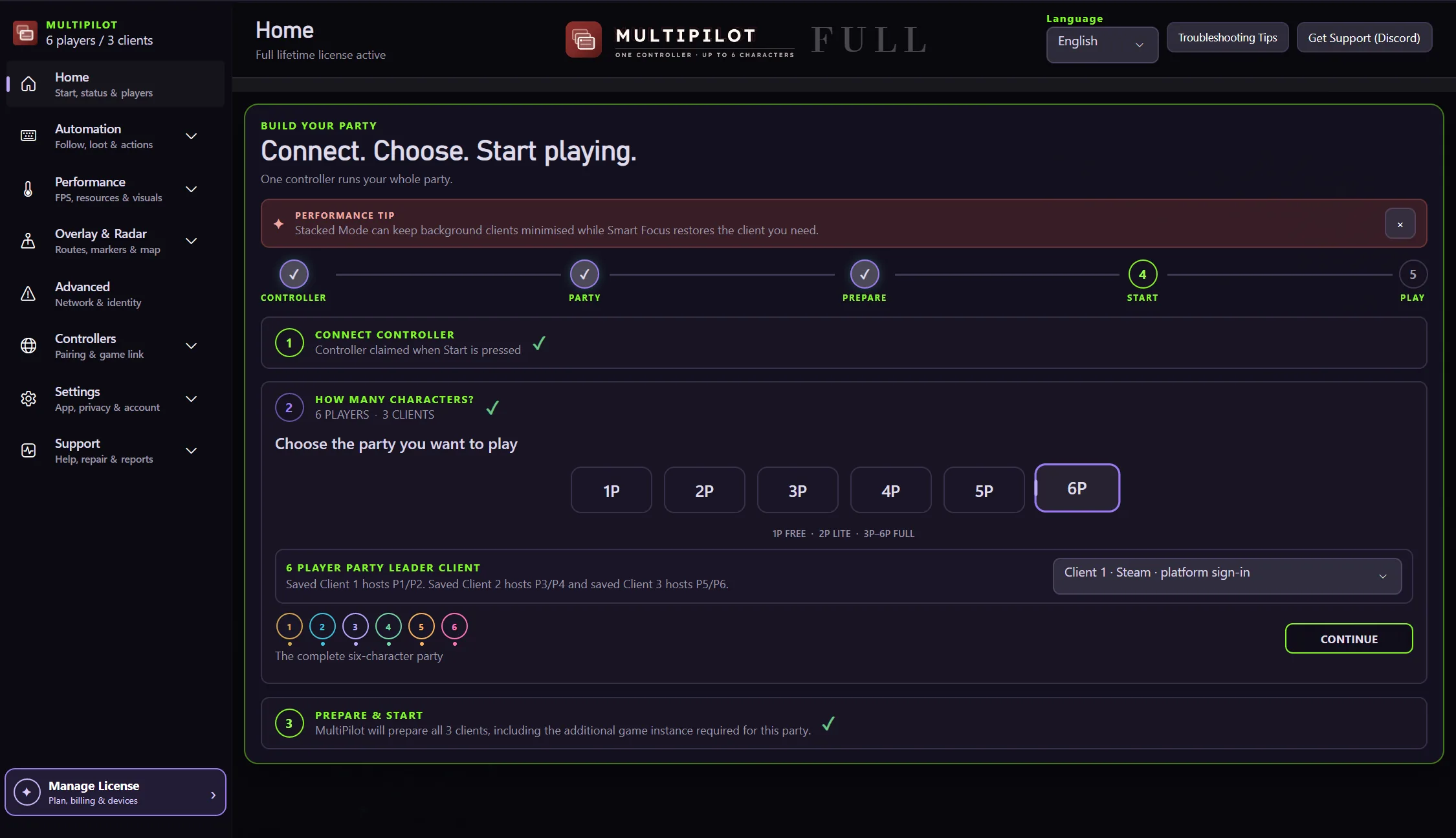
Try a multi-character setupSix-player MultiPilot Full uses three clients with two characters assigned to each.
Yes. MultiPilot Lite supports local couch co-op inside one client.
No. Each MultiPilot layout is built around one physical controller.
Keep P1 on native keyboard and mouse while configurable focus keys control MultiPilot followers across up to three PoE 2 clients.
Explore →The complete MultiPilot partyRun six independent Path of Exile 2 characters across three game clients on one Windows PC with PoE2 MultiPilot.
Explore →A three-client five-player layoutRun five independent Path of Exile 2 characters across three game clients on one Windows PC with PoE2 MultiPilot.
Explore →