
Track Ritual
Keep supported Ritual locations visible while mapping.
When a Ritual map reaches its completion objective, Findigo can show a brief click-through reminder before you leave unspent Tribute behind.
Ritual markers help during the map. The completion reminder helps when the map is about to end.
Keep supported Ritual locations visible while mapping.
Use the official map-completion state as the trigger.
Show a brief reminder when Tribute may remain.
Dismiss the prompt and return to the map flow.
The reminder appears after the official map-completion objective when Ritual was present, keeping it useful without interrupting every map.
No card · no signup
Try Ritual reminders freeNo. It is tied to Ritual presence and the map-completion objective.
No. It reminds you to return to Ritual; your reward choices remain manual.
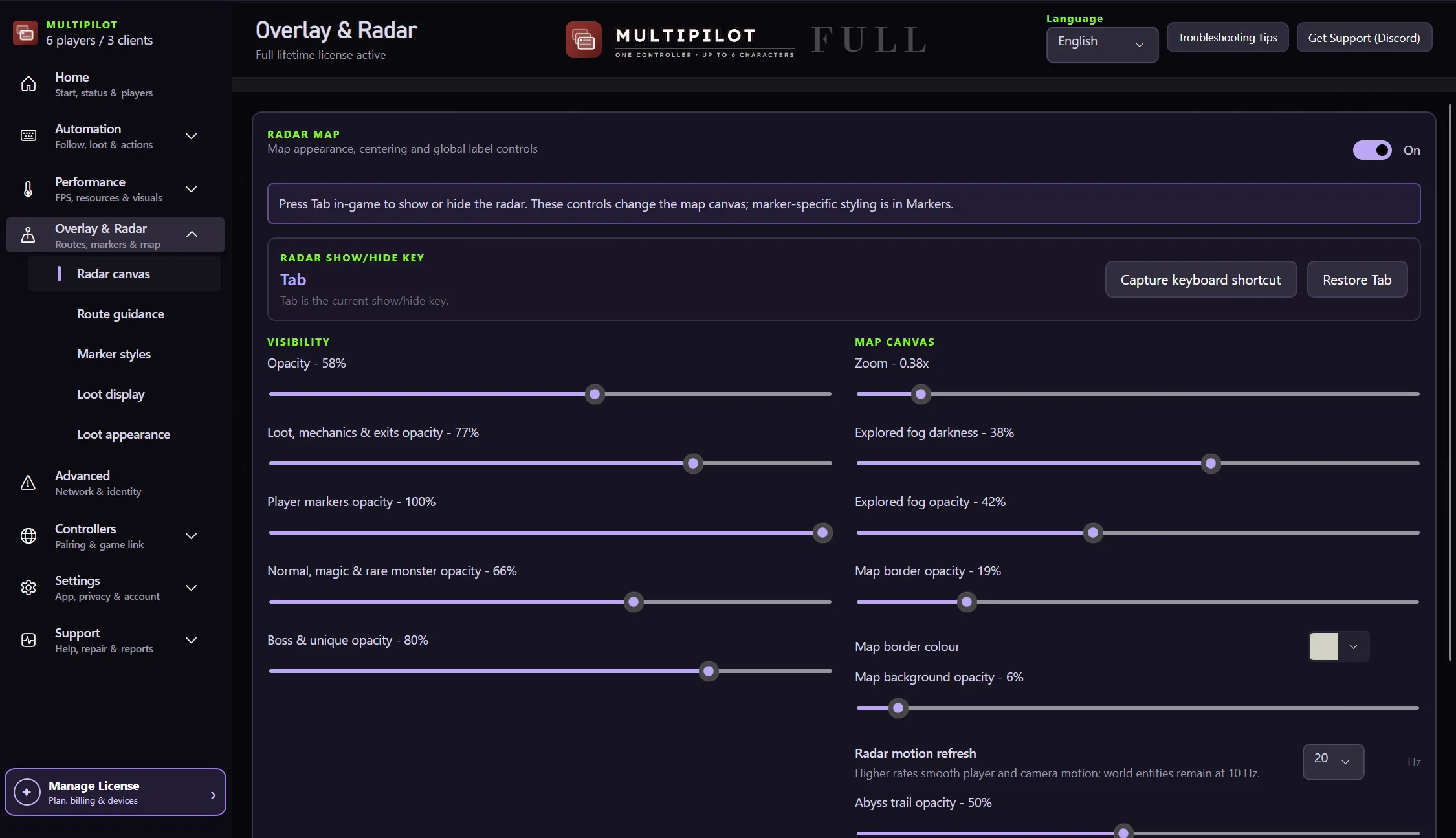
Yes. Marker visibility and styling remain separate radar controls.
Keep P1 on native keyboard and mouse while configurable focus keys control MultiPilot followers across up to three PoE 2 clients.
Explore →The complete MultiPilot partyRun six independent Path of Exile 2 characters across three game clients on one Windows PC with PoE2 MultiPilot.
Explore →A three-client five-player layoutRun five independent Path of Exile 2 characters across three game clients on one Windows PC with PoE2 MultiPilot.
Explore →