
Detect the transition
Recognise supported stairs, portals and zone exits.
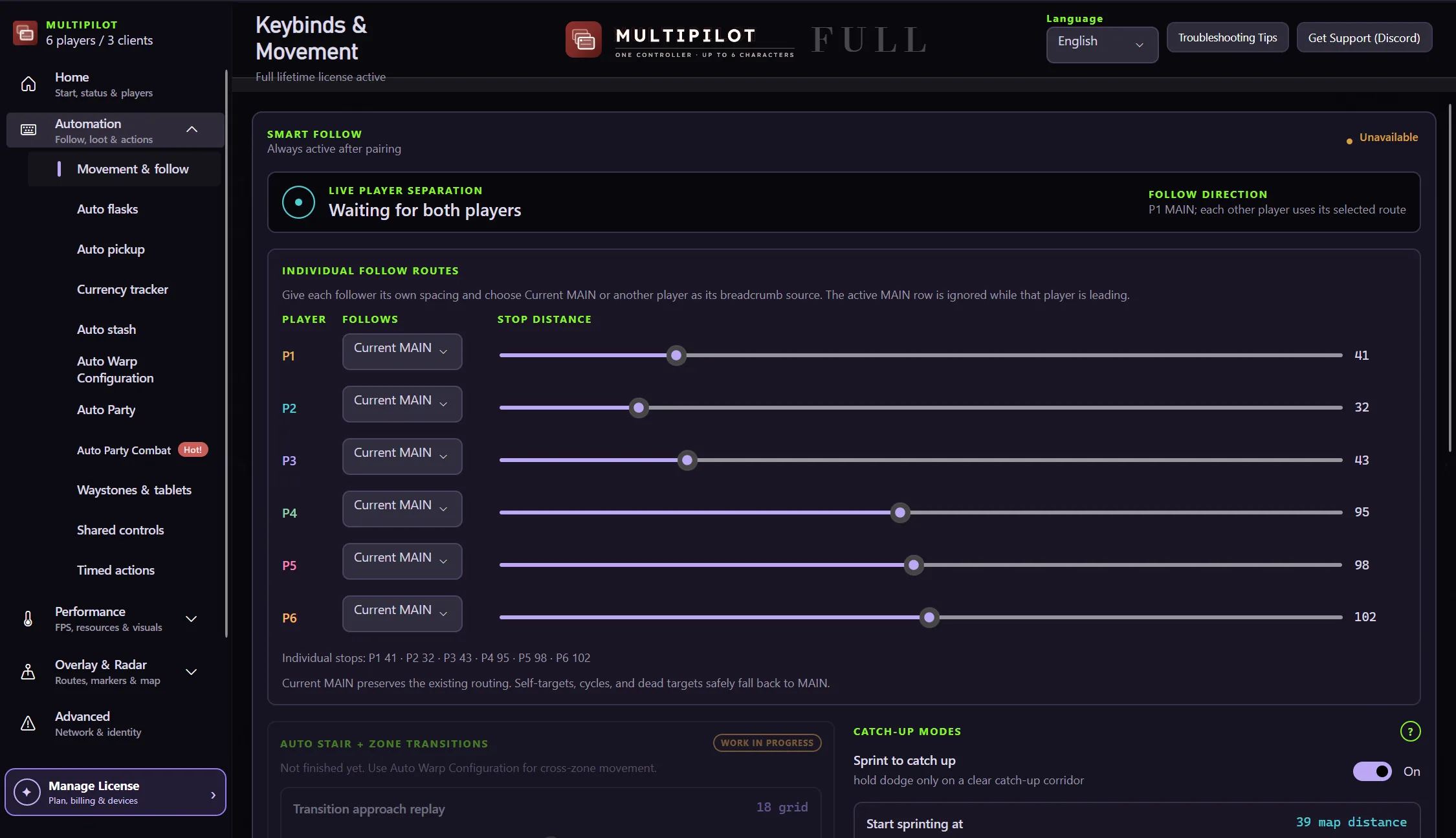
Transition Follow extends the follower workflow through supported stairs, portals and zone exits so the party can resume its route on the other side.
Findigo restores normal routing only after the supported follower state is ready in the new area.
Recognise supported stairs, portals and zone exits.
Maintain the configured follower and leader relationship.
Rebuild the local movement route after the area change.
Leave exceptional or unsupported areas to manual control.
Transition handling reconnects supported followers to their leader and routing state after the party changes area.
Free 1P forever · 3-hour 2P Party Trial available
Try Transition Follow freeIt supports selected stairs, portals and zone exits, with manual control available for exceptional areas.
The configured follower relationship is retained through supported transitions.
Yes. Smart Focus remains available whenever a character needs direct input.
Keep P1 on native keyboard and mouse while configurable focus keys control MultiPilot followers across up to three PoE 2 clients.
Explore →The complete MultiPilot partyRun six independent Path of Exile 2 characters across three game clients on one Windows PC with PoE2 MultiPilot.
Explore →A three-client five-player layoutRun five independent Path of Exile 2 characters across three game clients on one Windows PC with PoE2 MultiPilot.
Explore →