
Camera Zoom
See more of the play area at once.
Compare the normal view with Findigo’s optional Camera Zoom and FPS Enhanced controls using the side-by-side view below.
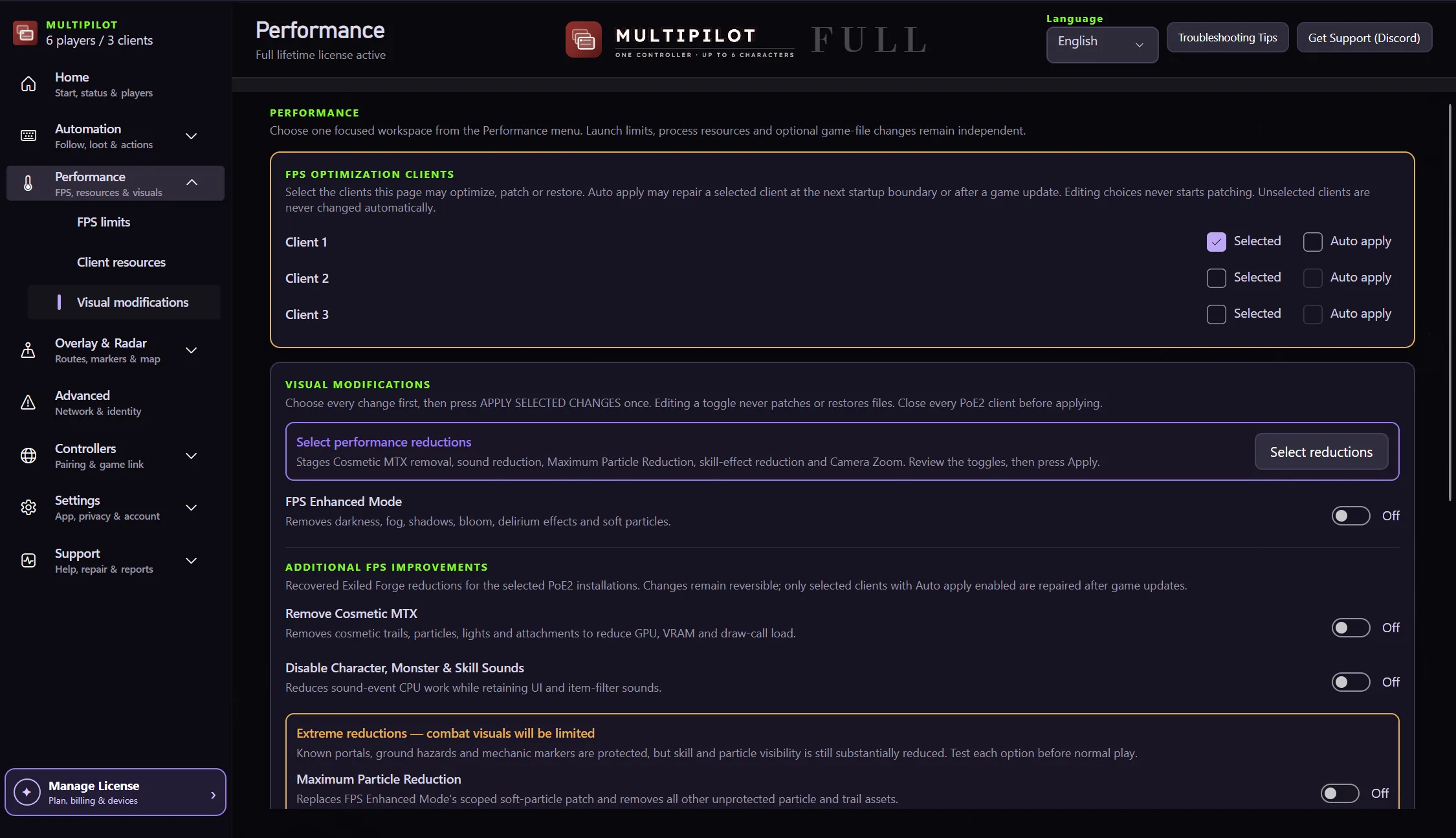
Compare the wider view, optional FPS mode and the controls that restore the original game files.
See more of the play area at once.
Enable an optional performance mode for demanding setups.
MultiPilot applies dedicated controls to the dual-client workflow.
Switching an option off restores its original game file.
Drag the divider to compare a tighter crop with the wider view. Performance depends on your hardware and game settings.
Free 1P forever · 3-hour 2P Party Trial available
Try Zoom + FPS freeNo. Results vary with your hardware, scene and game settings.
Yes. Turn an option off and Findigo restores the original game file.
Close every PoE 2 client before changing the FPS and visual settings.
Keep P1 on native keyboard and mouse while configurable focus keys control MultiPilot followers across up to three PoE 2 clients.
Explore →The complete MultiPilot partyRun six independent Path of Exile 2 characters across three game clients on one Windows PC with PoE2 MultiPilot.
Explore →A three-client five-player layoutRun five independent Path of Exile 2 characters across three game clients on one Windows PC with PoE2 MultiPilot.
Explore →